SabedoresRA

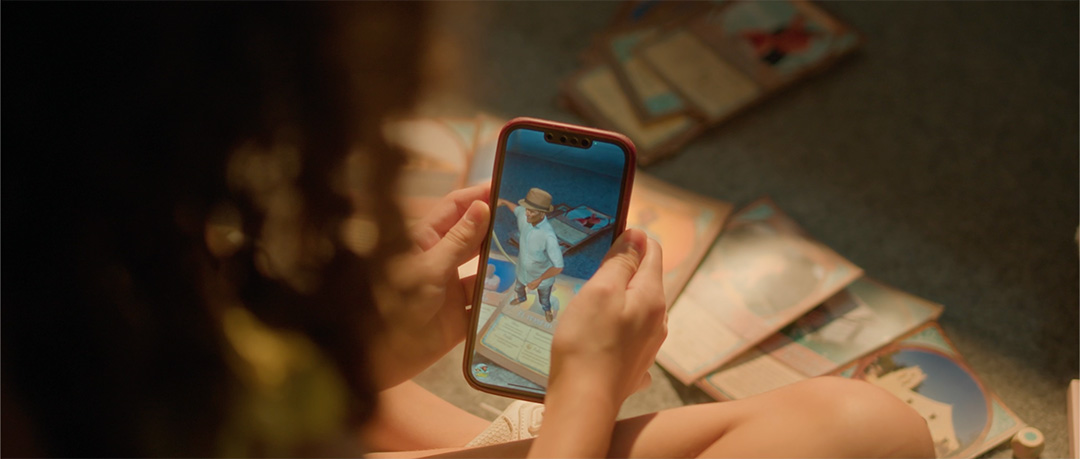
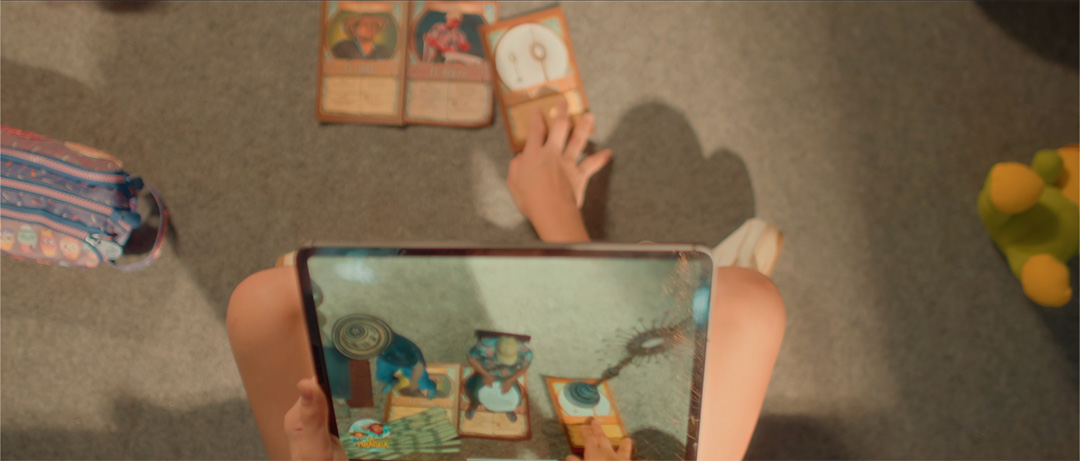
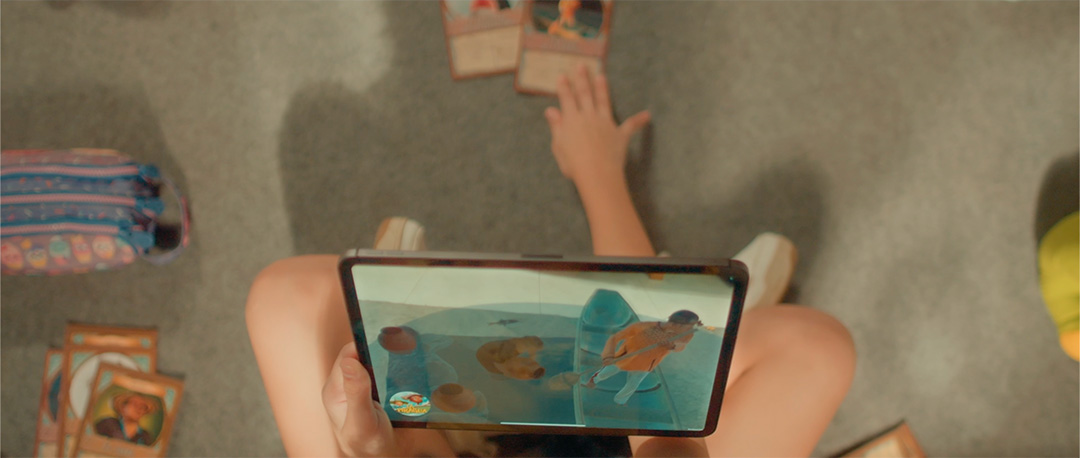
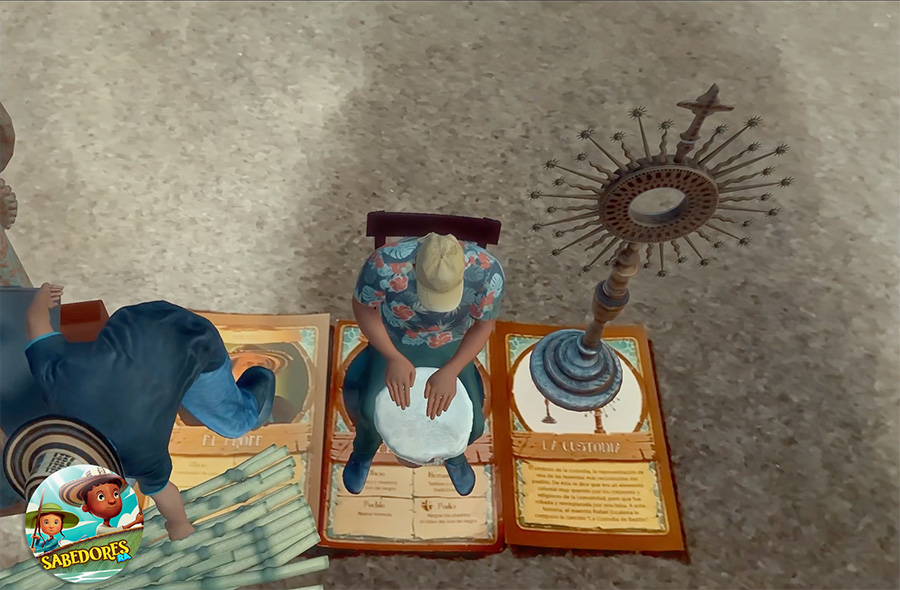
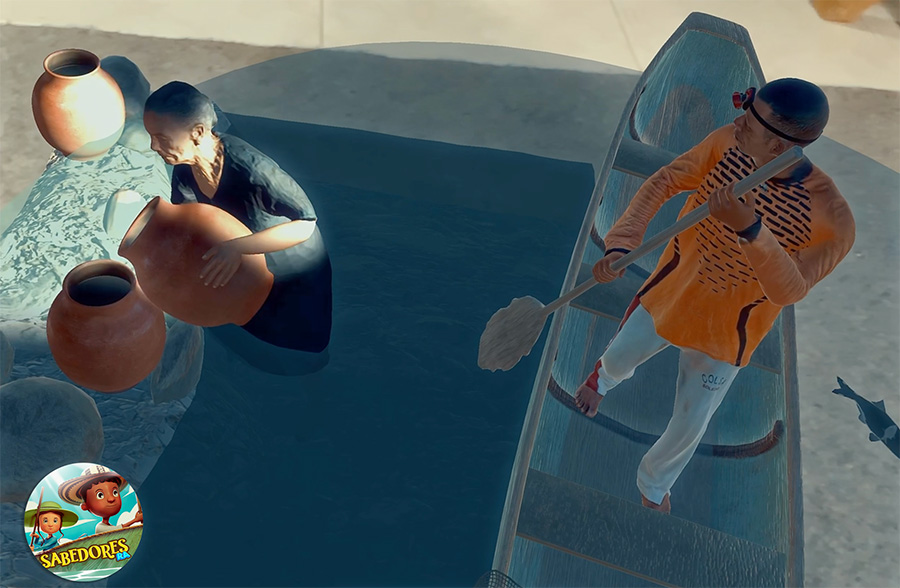
Sabedores RA (Knowledge Keepers AR) is an augmented reality experience that seeks to recognize and dignify the knowledge keepers of the Colombian Caribbean, many of whose traditions are at risk of disappearing. Through magical cards activated with a mobile phone camera, their stories, tools, practices, and cultural heritage emerge into the physical world. The experience combines collectible cards with large-scale interactive cards for public events, allowing audiences to engage directly with the characters. Sounds, rhythms, and gestures come together in a collective soundscape where technology meets oral tradition, memory, and the living transmission of knowledge.
Android Usage Instructions
- Install the application.
- Download the cards and print them.
- Scan the cards to see the Knowledge Keepers and their typical objects.
ATTENTION: Be aware of your surroundings and obstacles!
Minors should be under adult supervision.
Installation Instructions
To install the SabedoresRA application on your Android device, follow the steps according to your OS:
💻 From macOS
- Download the sabedoresra.zip file and unzip it.
- Connect your Android phone to the Mac using a USB cable.
- Use an application to transfer files from Mac to Android.
- Copy the
.apkfile into the phone (e.g., in the Downloads folder). - On the phone, open the .apk file and select "Install".
💻 From Windows
- Download the sabedoresra.zip file and unzip it.
- Connect your Android device via USB cable and activate the "File Transfer (MTP)" option.
- Copy the
.apkfile into the phone (e.g., in the Downloads folder). - On the phone, open the .apk file and select "Install".
ℹ️ Additional Information
- Go to Settings → About phone → Software information.
- Tap seven times on Build number until developer mode is activated.
- Return to Settings → Security and enable Allow installation from unknown sources.
SabedoresRA Project Credits